Clothing wrinkle removal
A garment source ready for category-specific presentation.

Prepare a garment range for Amazon with variation-specific images, readable construction and a category-aware main-image review.
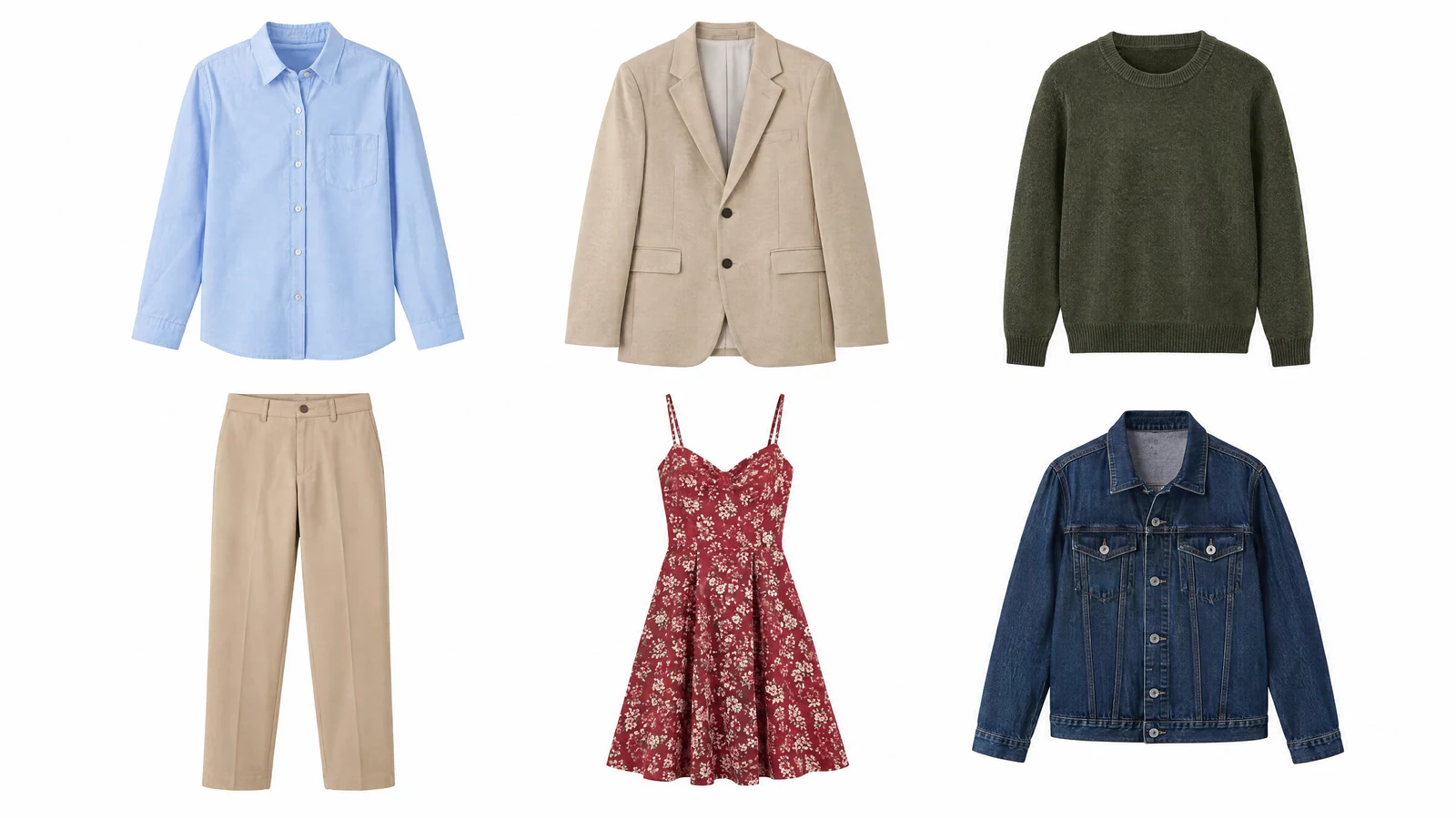
Choose the asset your next project needs
A garment source ready for category-specific presentation.
Verified item detail mapped to the variation record.
A wearing candidate for the intended image placement.
An apparel listing pack ready for your marketplace review.
Actual garment photographs, construction and condition details, dimensions and current category requirements.
Reduce temporary packing creases while retaining pleats, seams and genuine fabric texture. Inspect the neckline and hem after smoothing.
Open Clothing wrinkle removal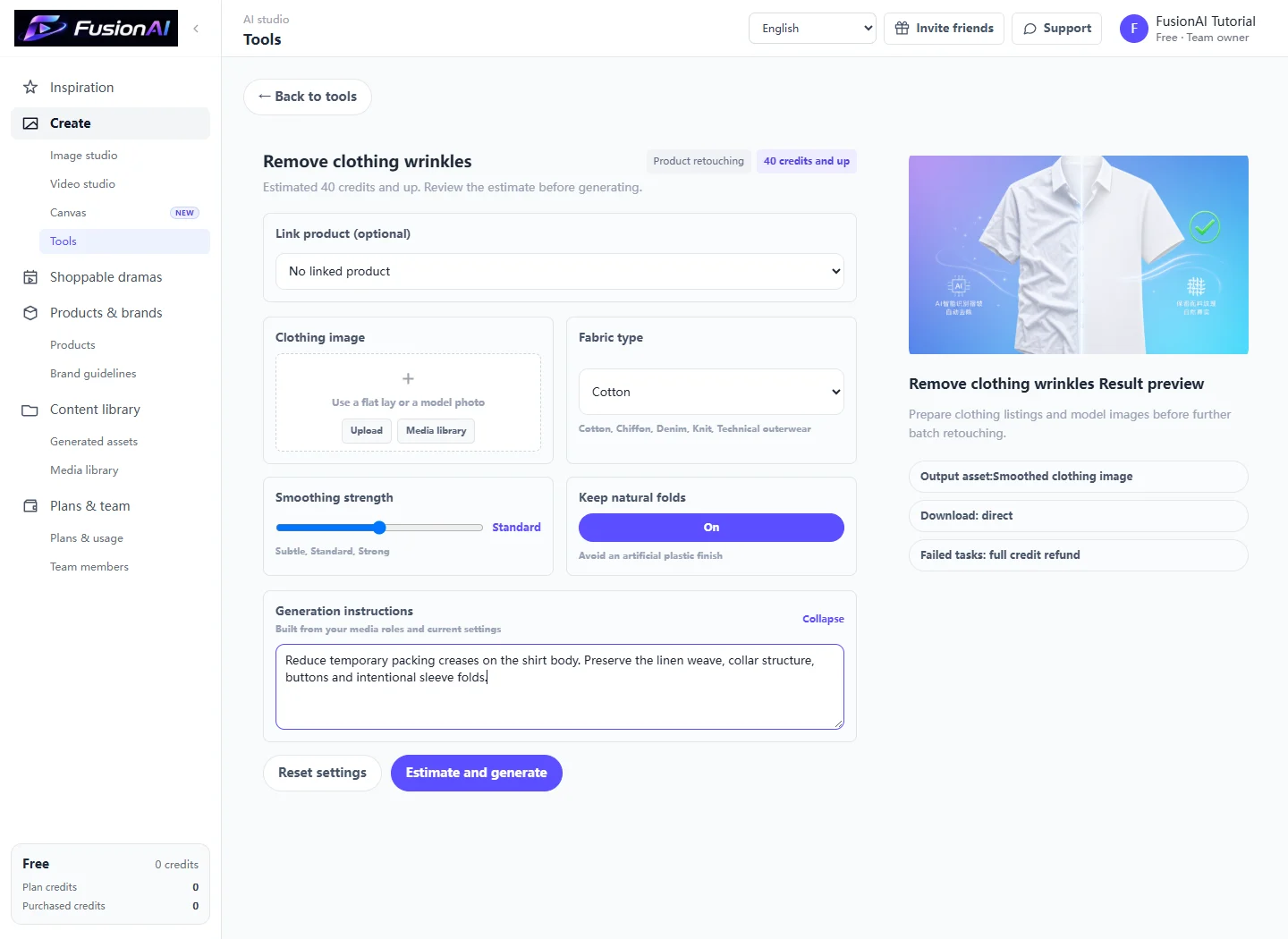
Keep labels, fasteners and pattern placement tied to the actual variation. Do not reuse one color’s detail view as proof for a different construction.
Open Product retouching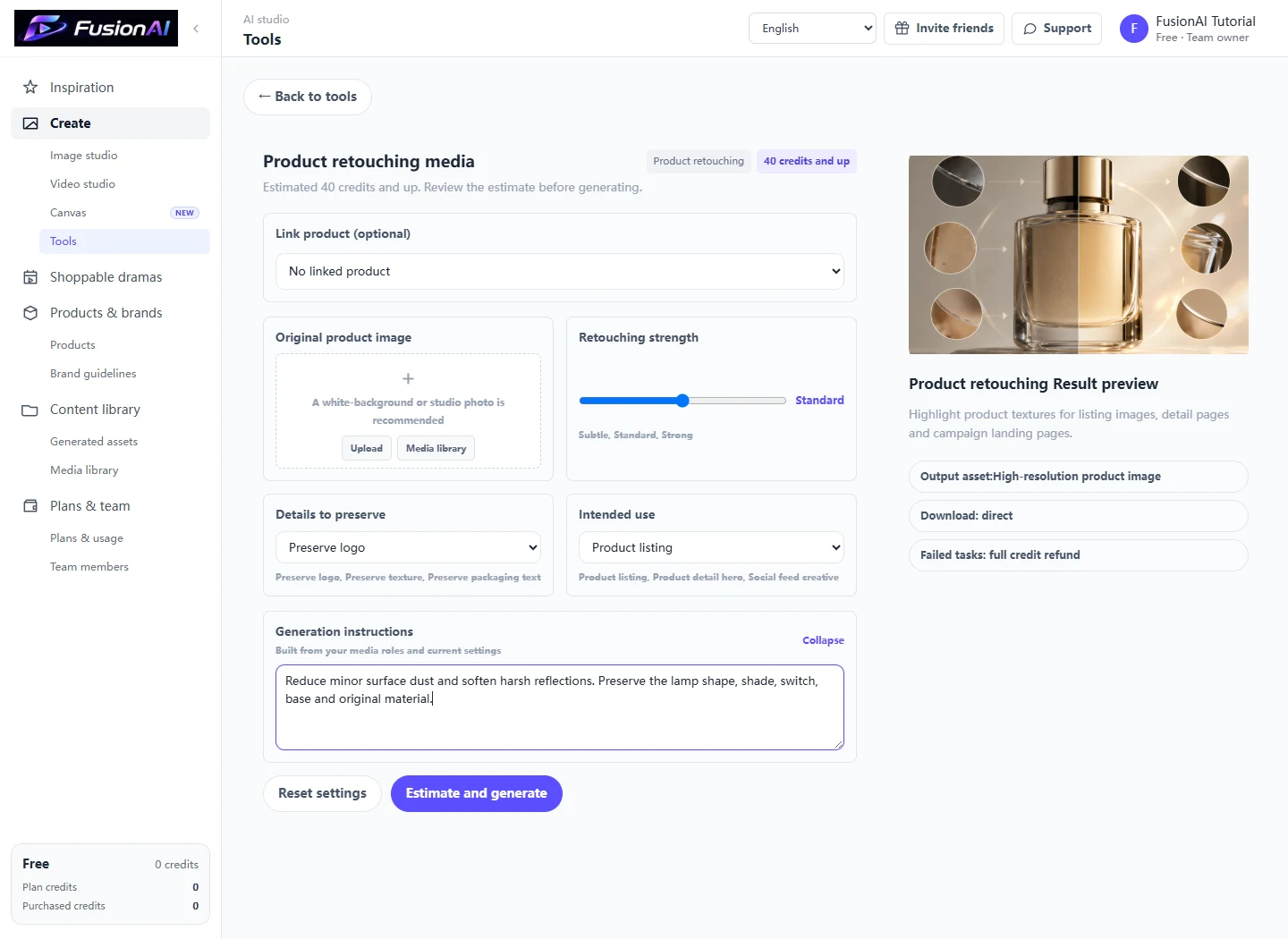
Check the destination marketplace’s clothing rules before choosing a model, flat lay or another view. Review any adult wearing illustration against the real garment.
Open Virtual clothing try-on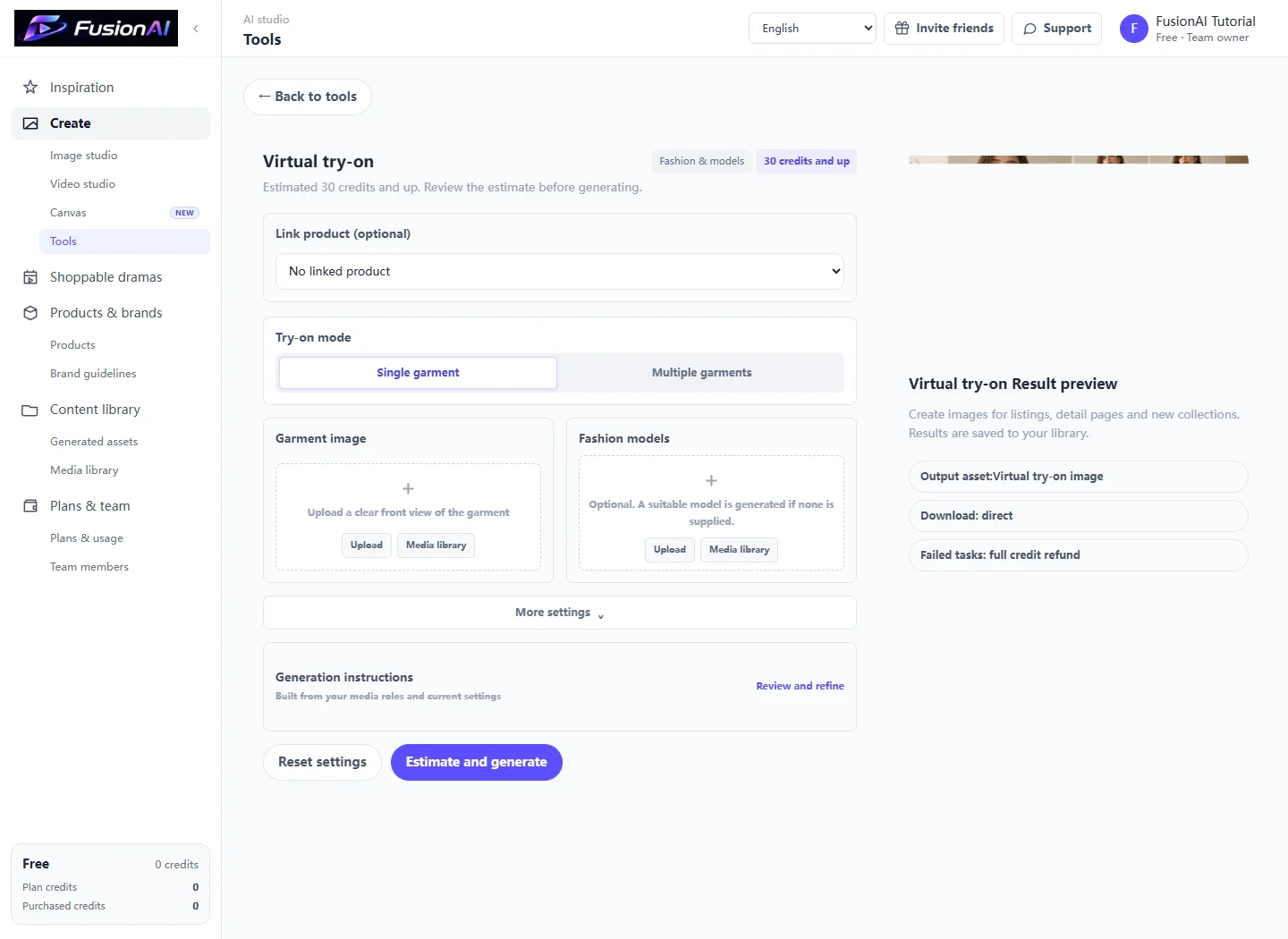
Plan front, rear, fabric, fastening and verified size information as distinct views. Review MAIN independently rather than copying a supplementary lifestyle treatment.
Open AI product image sets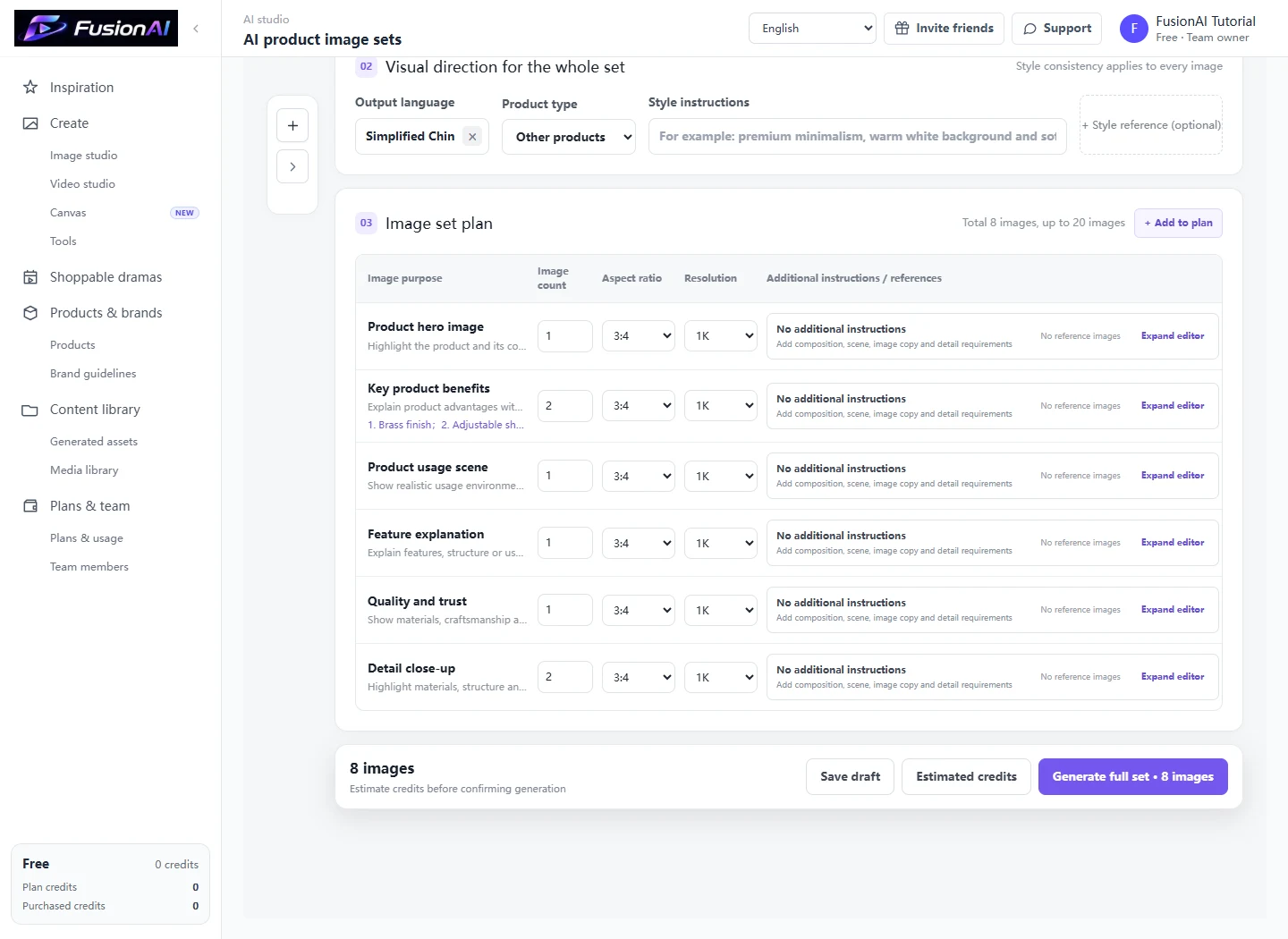
For a button-front shirt in three real colors, retain the label, rear construction and fabric close-ups for each variant. Use the current category guidance to decide MAIN presentation, then build a secondary gallery that explains the actual shirt.
Open Clothing wrinkle removalReview background rules, garment coverage, label details and prohibited or unsupported text.
Confirm the image belongs to the correct child variation and color.
Do not invent measurements, fabric composition or included garments.
Review current apparel rules for the target marketplace before upload.
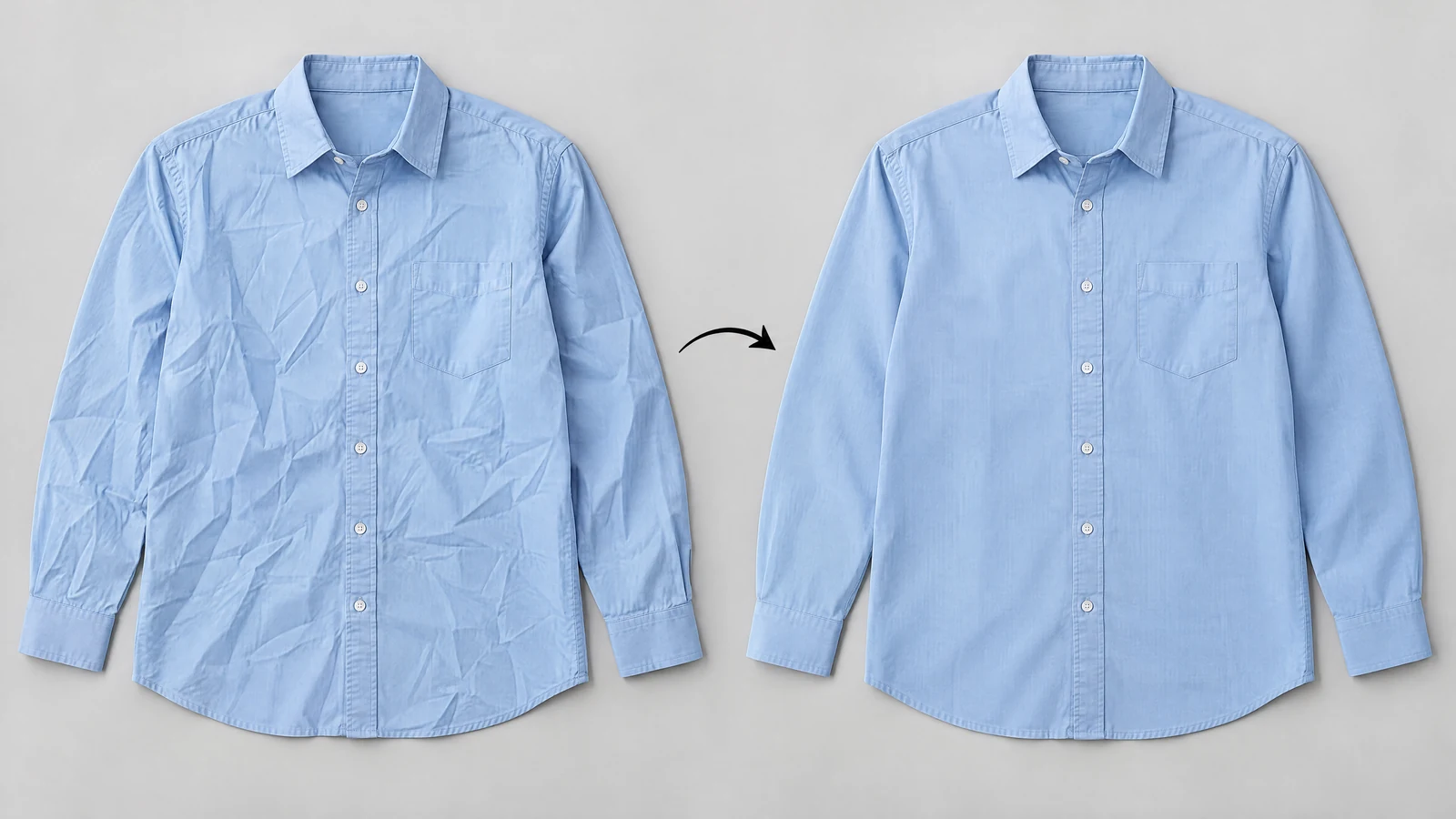
Tidy nonessential wrinkles while preserving fabric structure, intentional pleats and the actual condition of the item.
 Explore product
Improve defects, edges and reflections while checking product shape, labels and material against the original.
 Explore product
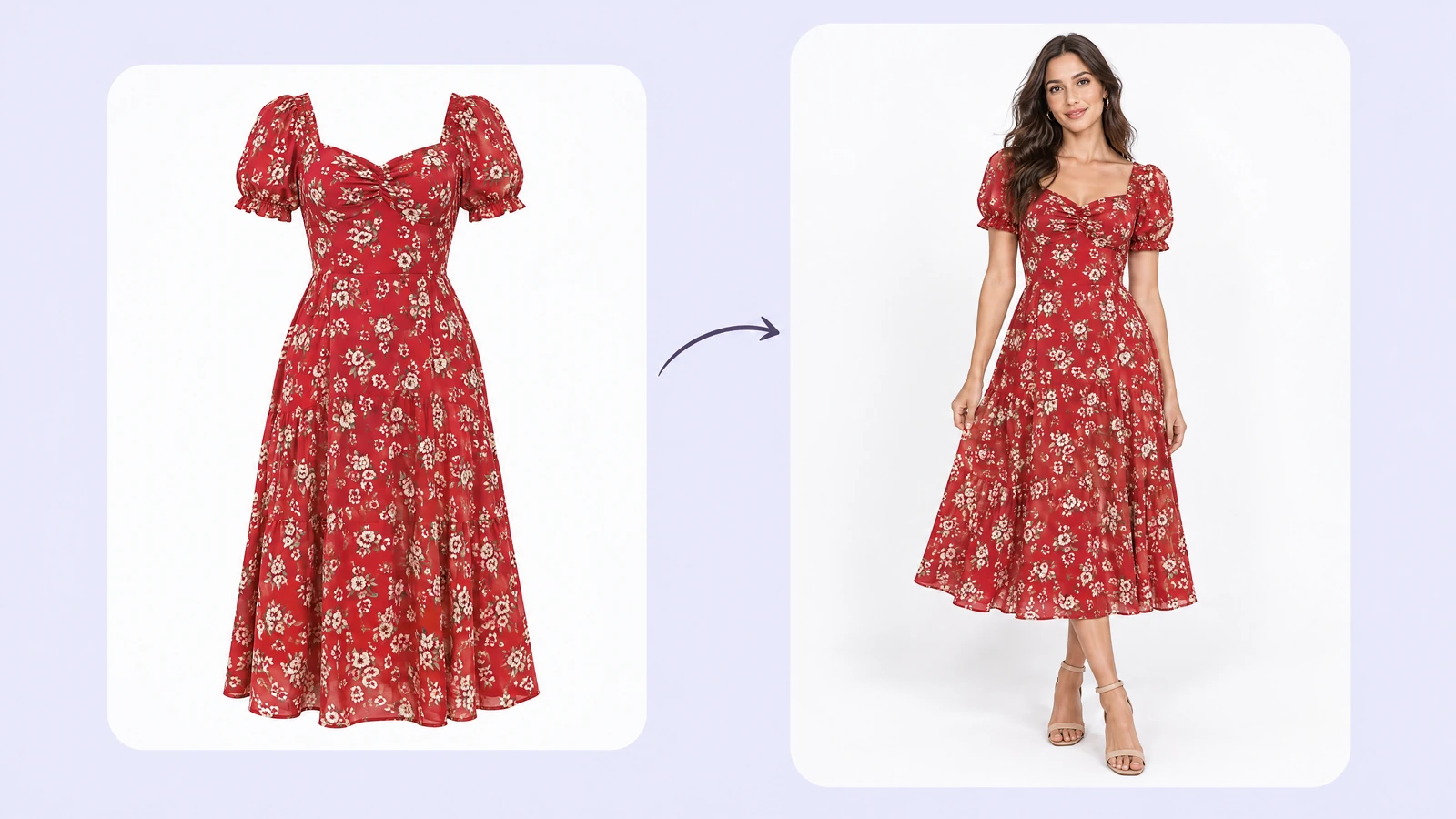
Create a wearing visual from a garment or outfit and an optional model reference. Check prints, construction and fit representation.
 Explore product
Plan hero, feature, lifestyle and detail images for one product. Adjust each image purpose, prompt, reference and output language.
 Explore product
No. Clothing requirements depend on product type and marketplace. Read the current category guidance and choose the required presentation before generating candidates.
This workflow concentrates on garment construction and variation mapping across a range. The seller overview covers the wider MAIN, secondary, A+ and video asset plan.
Source guidance checked on 11 November 2026. Recheck the destination platform before publishing.
An apparel image set for marketplace review, with optional wearing illustrations.
Start with Clothing wrinkle removal