
Getting started
New to artificial intelligence? Start your journey at FusionAI Academy. Master basic prompt writing and learn how to generate your very first AI image.
GPT Image 2 Tutorial for Use in China: FusionAI Full Workflow from Registration to Image Output
Learn how to use GPT Image 2 in China: understand official access and payment limitations, then follow the FusionAI workflow for registration, GPT-Image-2 or GPT-Image-2.5 selection, Chinese prompts, aspect ratios and 4K output, image generation, editing, inpainting, batch export and commercial-use authorization downloads.
Read more ↗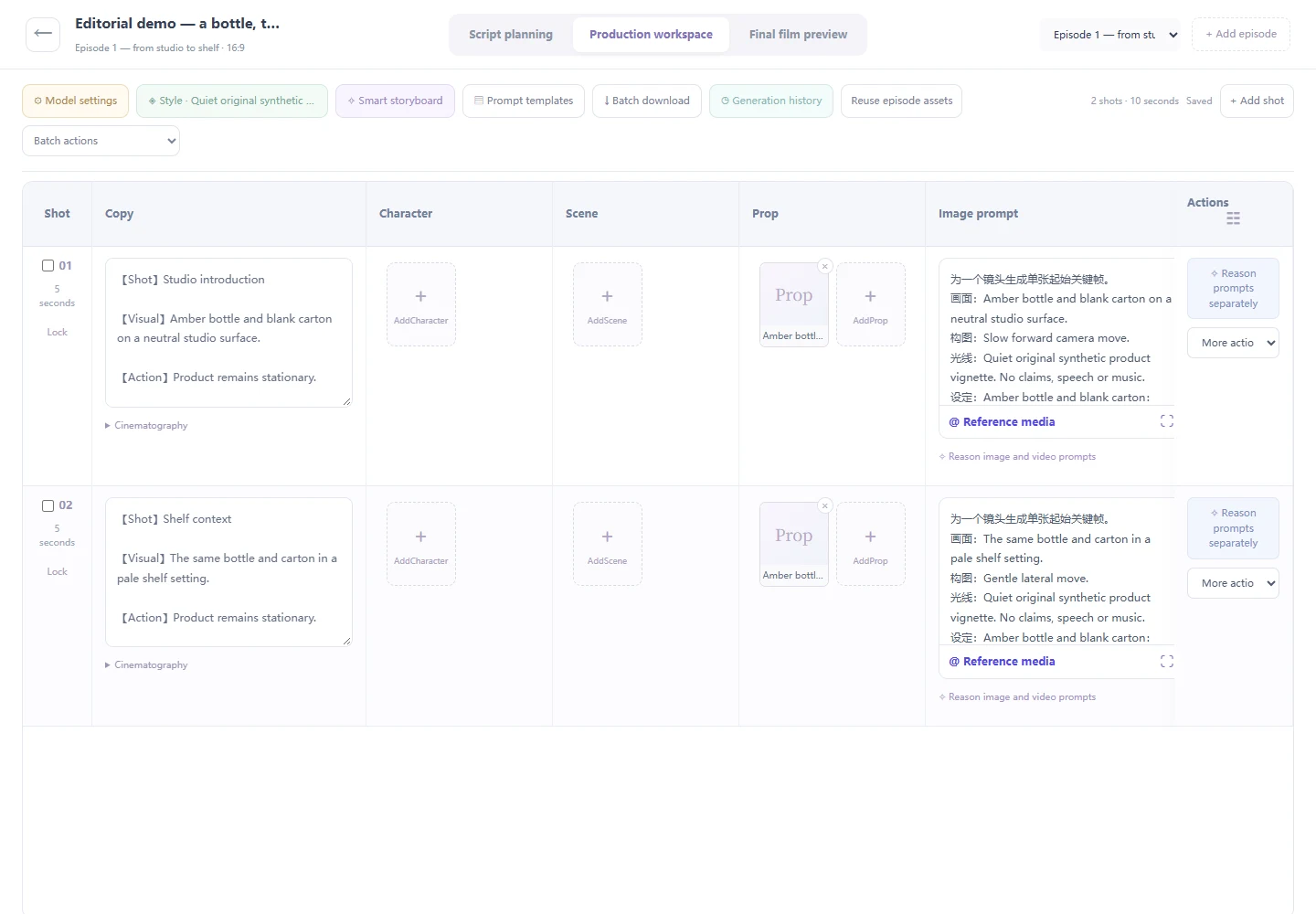
From Script to a Shoppable Drama: A Two-Shot Workflow
Create an episode, confirm the shot plan, assign assets and assemble two original clips. This walkthrough clearly separates manual script planning from generated media and composition.
Read more ↗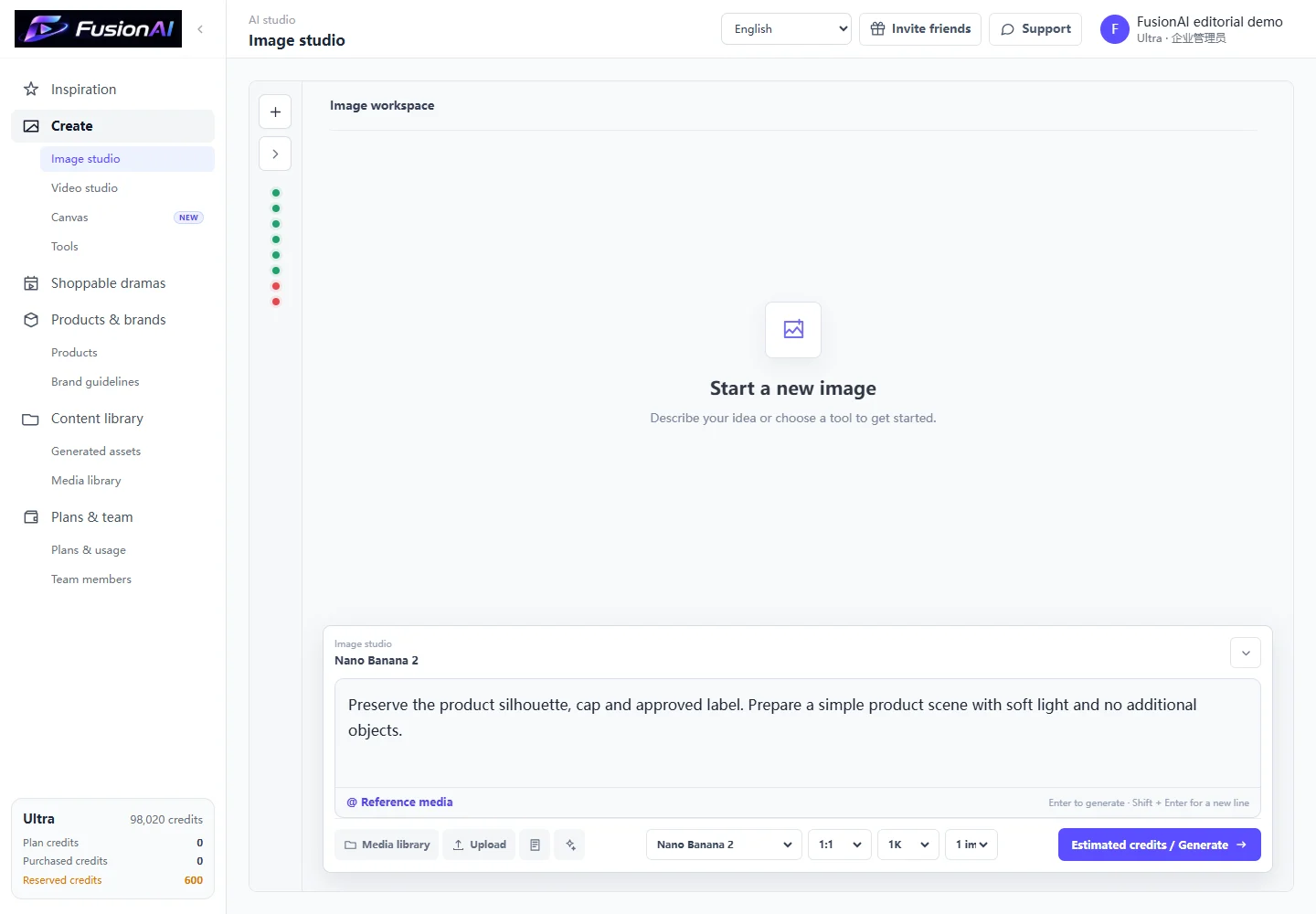
Start a Midjourney Text-to-Image Task in FusionAI
Prepare a visual brief, check the available Midjourney entry and inspect composition before expanding an idea.
Read more ↗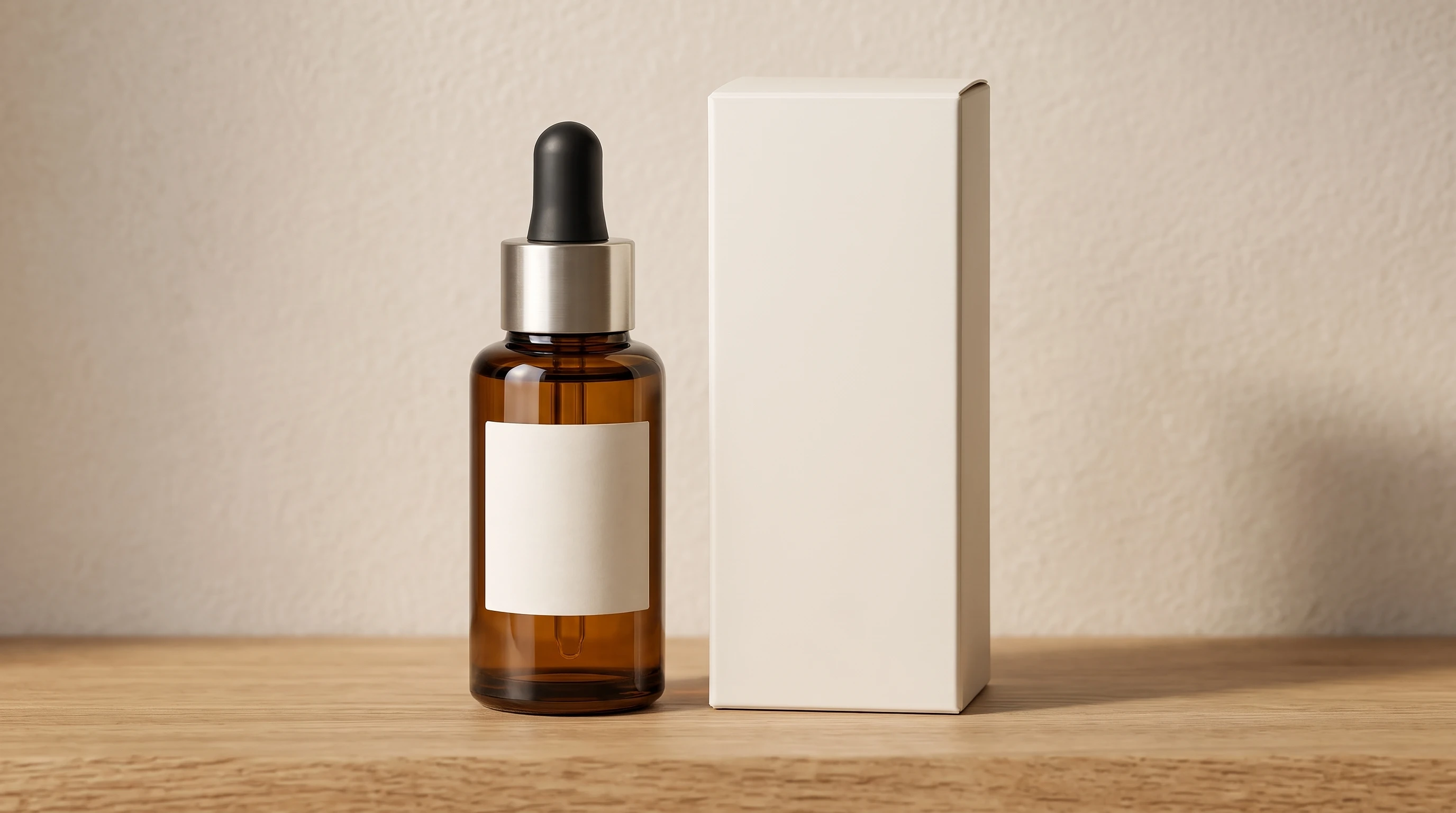
How to Edit a Product Reference with Nano Banana 2
Upload a product reference, select Nano Banana 2, write a bounded scene edit and compare the actual result with the source.
Read more ↗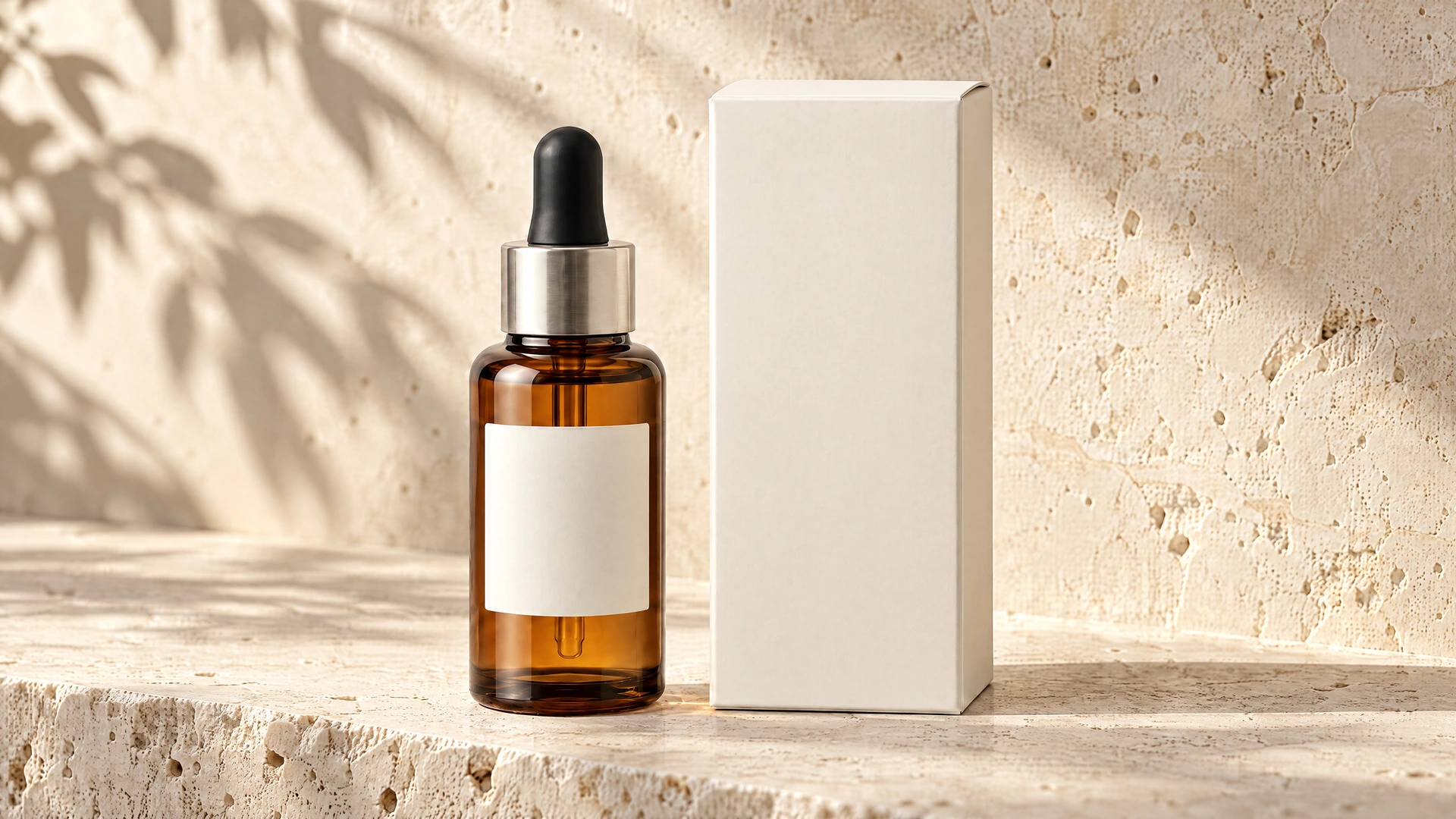
Create Your First Product Scene with the GPT Image Family
Choose an entry, attach the actual product, write one scene change and review the result against the original.
Read more ↗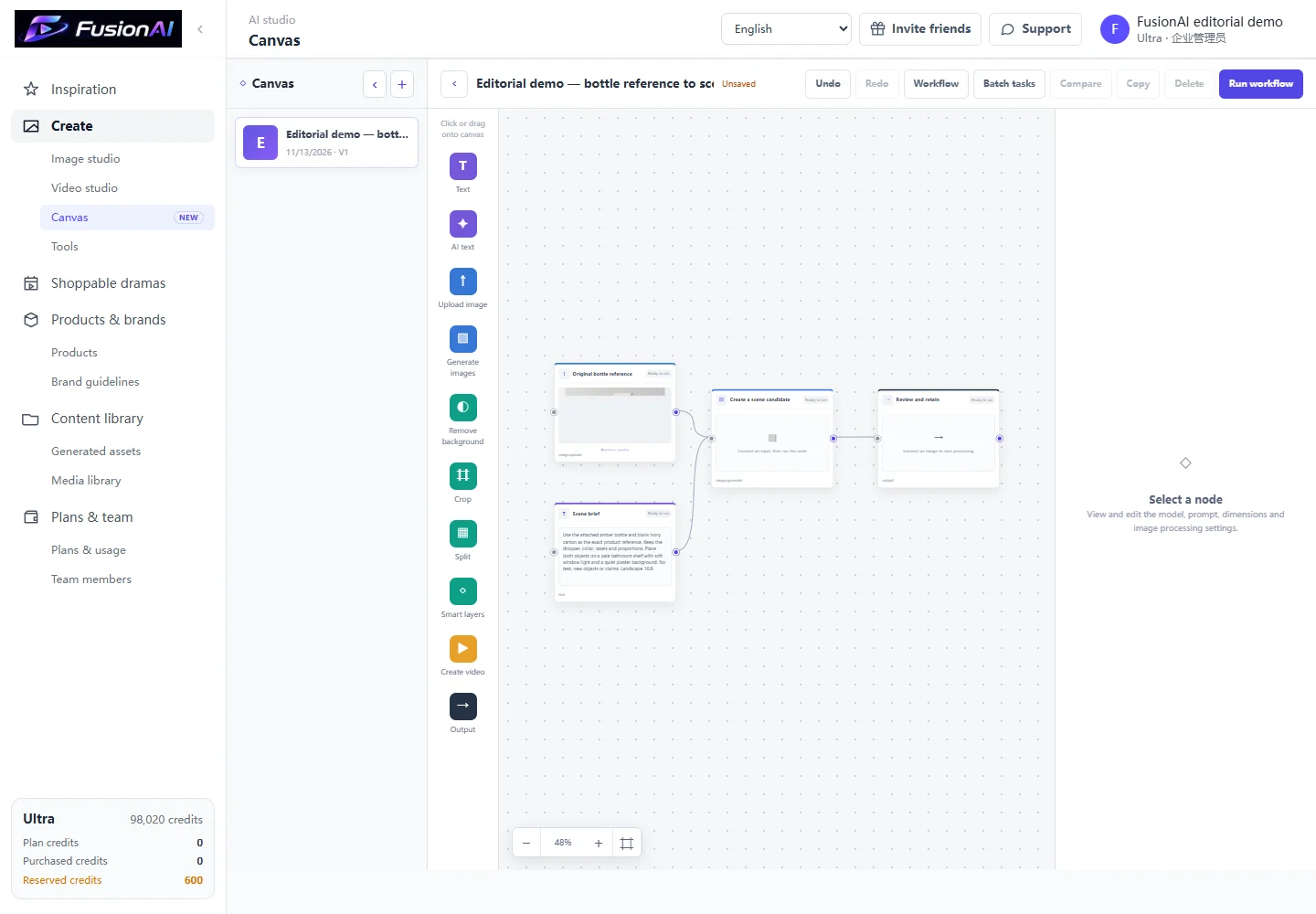
Choose the Right FusionAI Workspace for Your Task
Match the deliverable to an image request, a video shot, a product image set, an episode project or a reusable canvas.
Read more ↗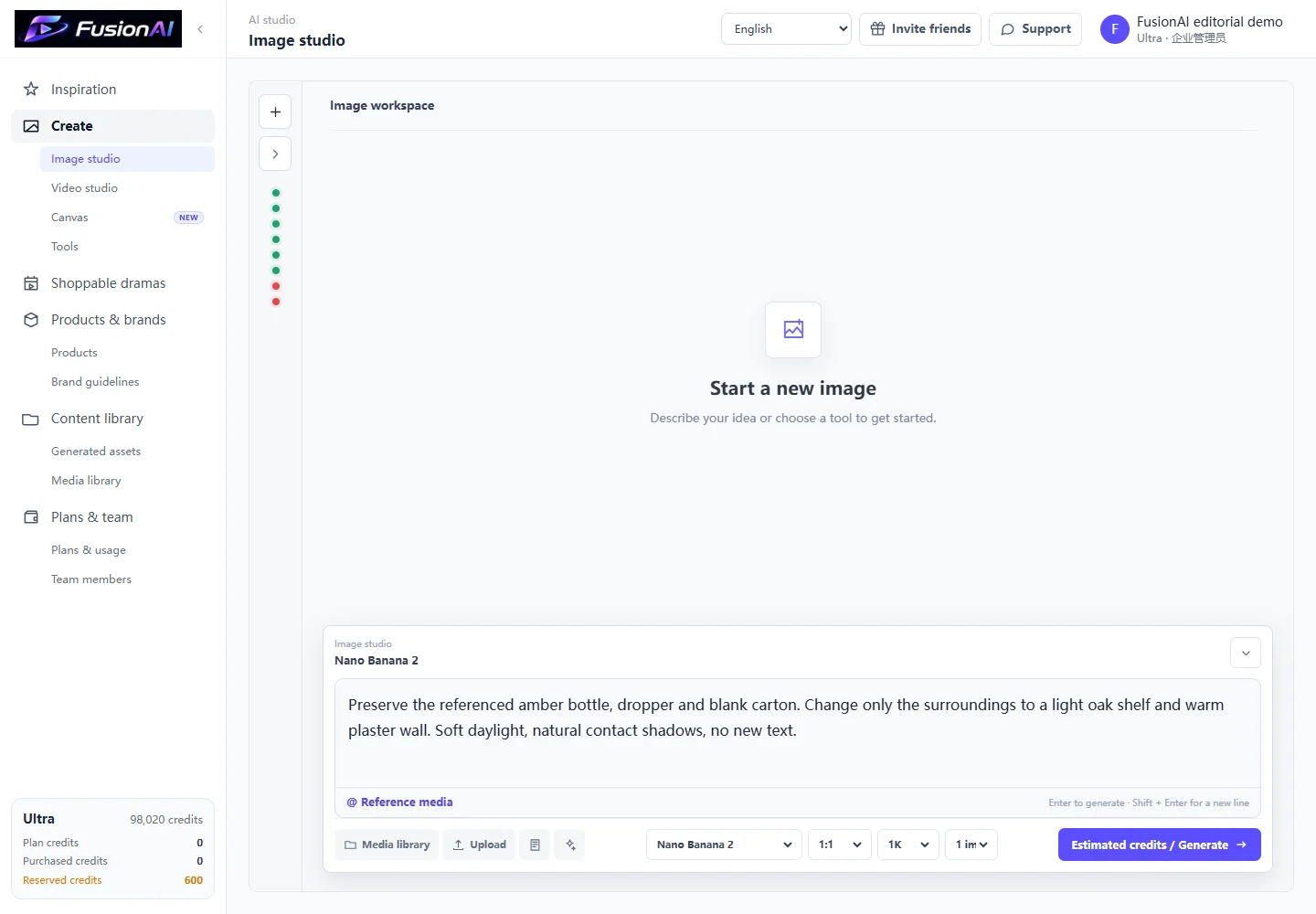
Nano Banana on FusionAI: Reference and Output Troubleshooting
Resolve missing references, unclear version selection, unexpected product changes and output-review questions before submitting another task.
Read more ↗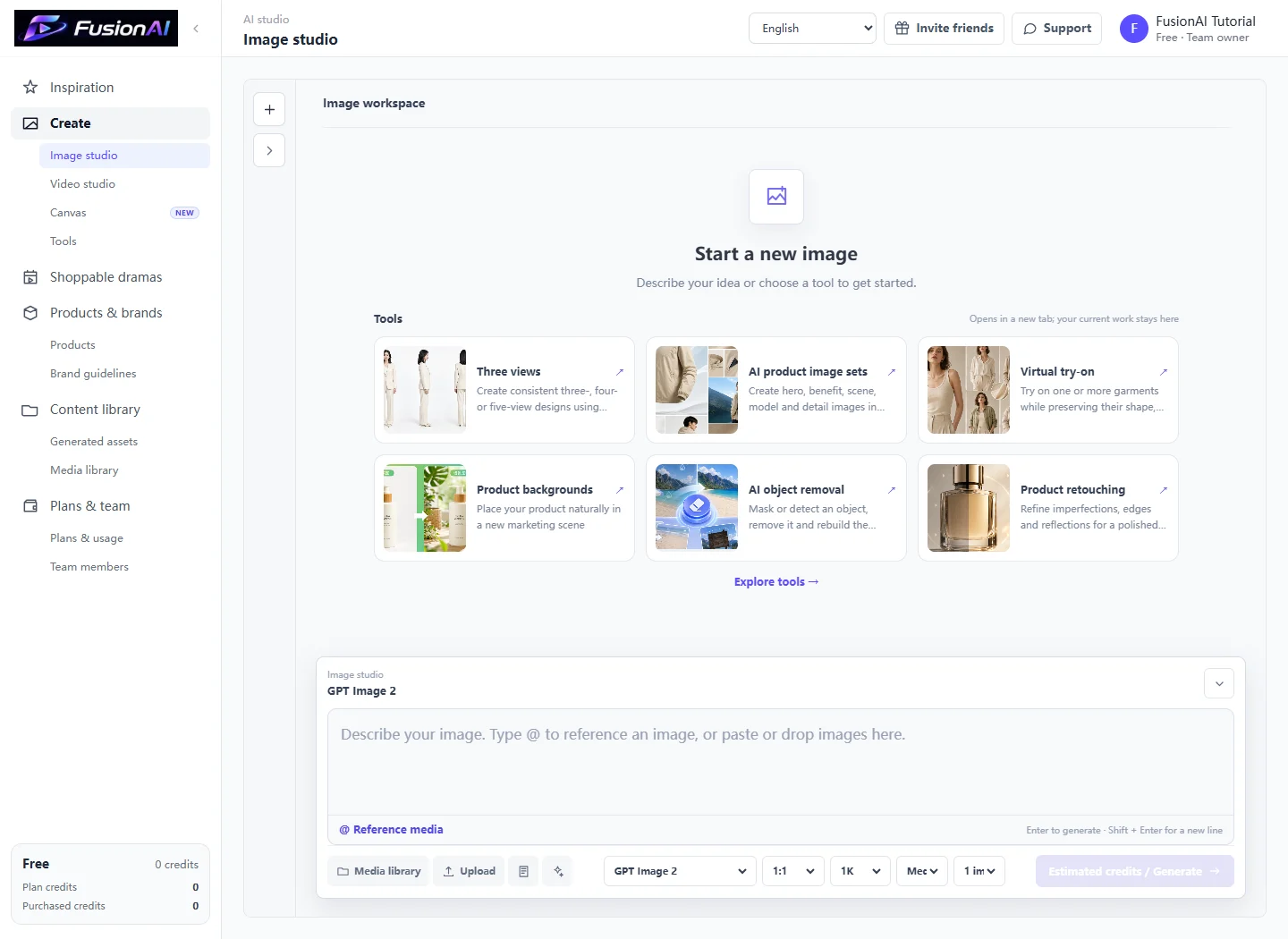
Start with your first product brief
Choose the right workspace, prepare references and review a first request before generation.
Read more ↗