
Start with your first product brief
FusionAI Content Team · Updated 2026-11-10 · 2 min read
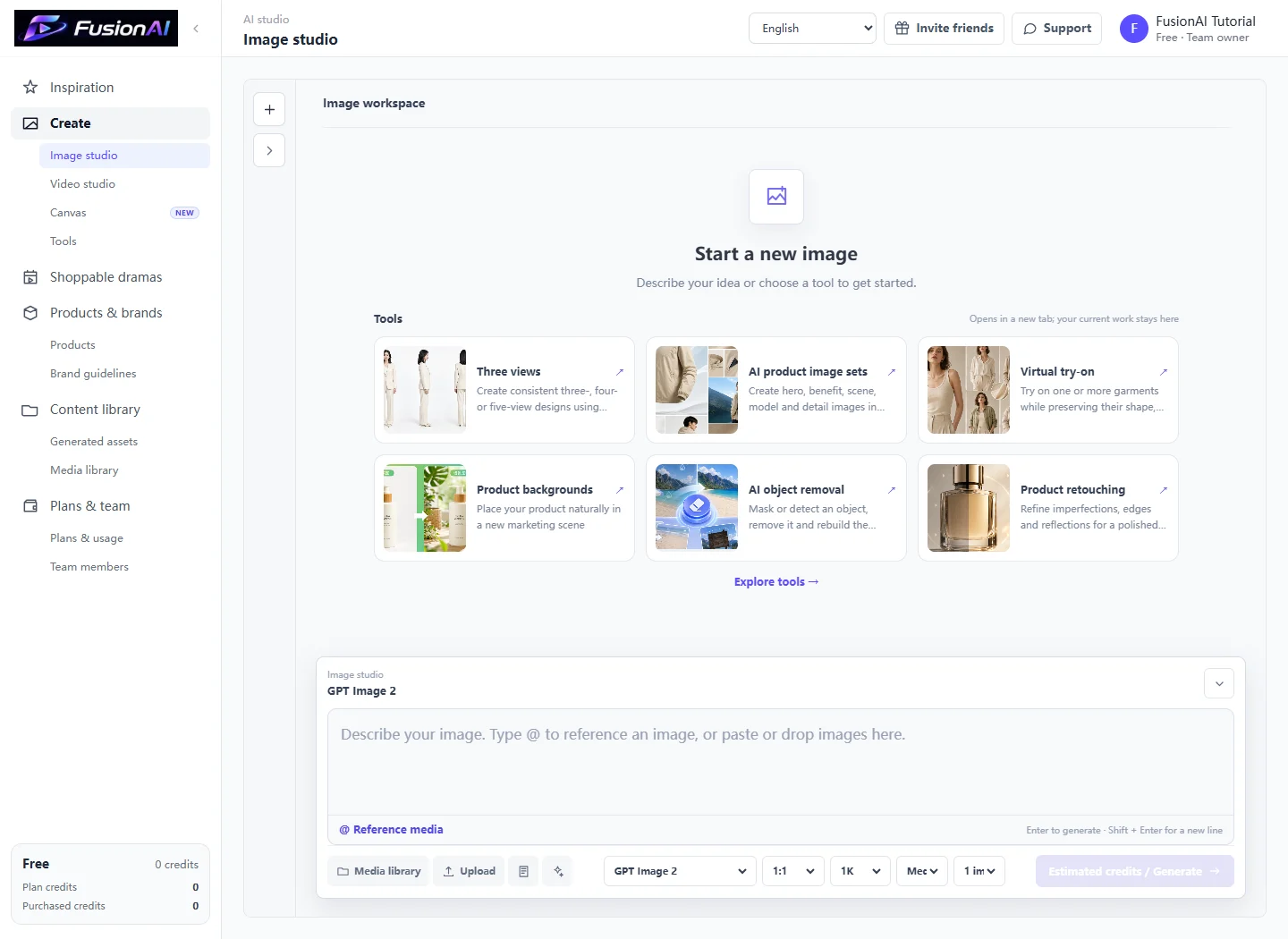
Choose the output before the model
Start by deciding what you need to deliver: a still image, a product image set, one video shot, or a multi-shot episode. A focused task makes both setup and review easier. FusionAI uses an email account for registration and sign-in.
Prepare one source of product truth
Gather a clear product photo, verified construction details and approved copy. Keep a separate list of creative choices such as background, light and framing. A missing product view is a reason to add a real photograph, rather than treating an invented surface as fact.
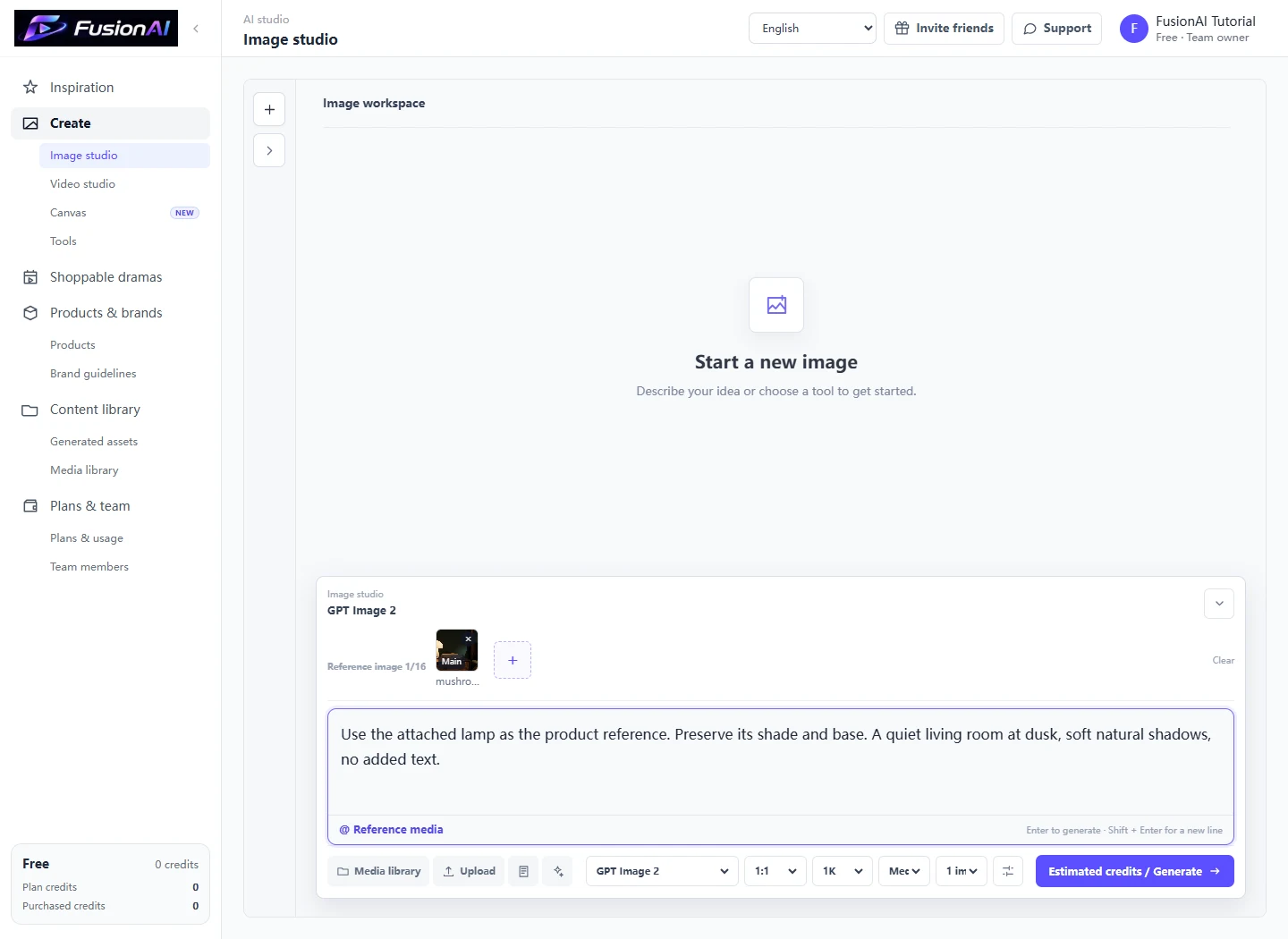
FusionAI reference-image request setup. Actual request preparation; no generated result is shown.
Pick a workspace for the task
- Image studio: make one still or edit a reference.
- Product image sets: assign a purpose to every image.
- Video studio: prepare a coherent shot from a product image.
- Shoppable dramas: organize scripts, assets and episode shots.
- Canvas: save a reusable connection between creative stages.
Write the first brief
Name the product, its required details, the intended setting and one visual goal. For a video, add a simple action and camera movement. Assign roles to attached media instead of merely naming files in plain text. Keep the first request small enough to assess.
Inspect the settings and estimate
Select the model and operation before finalizing attachments. Available references, resolutions, ratios and durations vary. Check the displayed estimate whenever the model or output settings change. Save a draft where provided if you are not ready to generate.
Review your own result
Compare the candidate with the source, both full-frame and close-up. Check construction, labels and claims. Play an entire video, including its ending, and listen to the sound. Keep a useful version, record the source and brief, and adjust one variable when you need another candidate.
Continue learning
Browse the illustrated tutorials or compare the product workflows.