
Video prompt optimizer
FusionAI Content Team · Updated 2026-11-10 · 2 min read
Turn a rough idea into a usable brief
The AI prompt action in Video studio helps expand or organize a draft. Treat its response as an editable suggestion. It does not validate product facts or submit an image or video generation task for you.
Prepare the facts first
A text brief, a starting image or the references required by the chosen video operation.
Write a short list of details that must remain true: the product, its shape, material, label and any approved copy. Keep these separate from the creative style, setting and mood. Add only information that you can verify.
Use the prompt action
- Open the relevant studio and select the intended model and operation.
- Write the subject and desired result in the prompt box. Include the restrictions you already know.
- Open the AI prompt action and review its proposed wording before using it. Remove invented facts, unsupported claims and conflicting creative directions.
- Attach the actual reference media and use the reference control to identify each file’s role. Recheck all settings and the estimate before confirming generation.
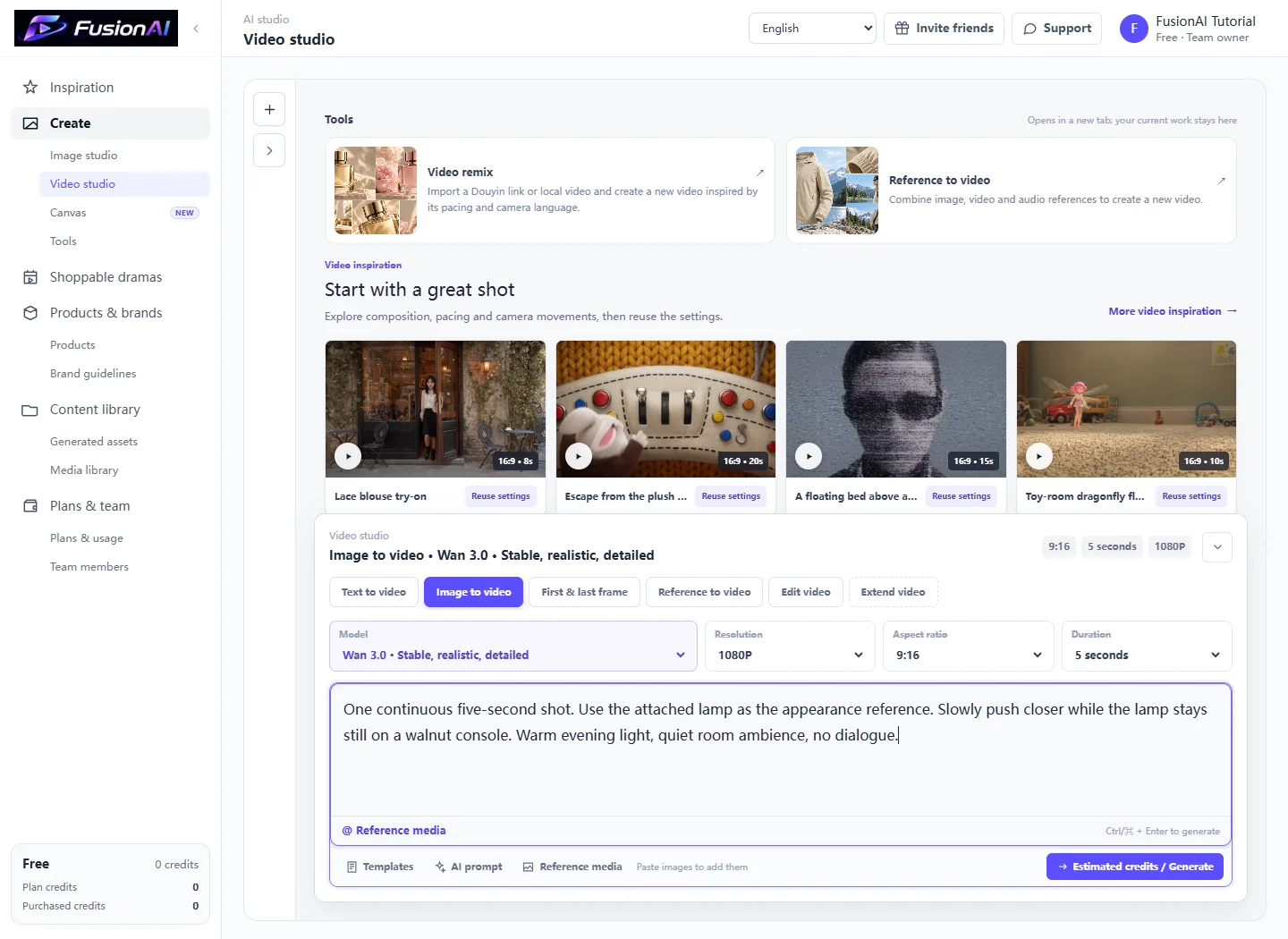
Actual FusionAI video studio with a prepared example brief. No generated result is shown.
A useful starting example
A five-second slow push toward a stationary desk lamp. Preserve the shade and brass stem; soft evening light, quiet room ambience, no dialogue.
Review the rewritten prompt
- Does the prompt preserve the actual product and reference roles?
- Does it add facts, measurements or brand claims that were not in the source?
- Are camera, lighting, composition and action compatible with the selected operation?
- Can the intended action fit the selected duration or image layout?
Improve one decision at a time
If the candidate misses the brief, identify whether the issue came from the source, the prompt or the model controls. Revise that decision rather than repeatedly expanding the entire prompt. Save the useful wording with its source reference so the next task starts from an approved brief.